Online Video Downloader – Download Videos in MP4, MP3, HD & 4K with Flyno

Online Video Downloader – Download Videos in MP4, MP3, HD & 4K with Flyno
Looking for a simple and convenient Online Video Downloader that helps you access supported online videos from one place? Meet Flyno – a browser-based video downloader designed to make the process easier, faster and more convenient.
Whether you are looking for a YouTube video downloader, Instagram video downloader, Facebook video downloader or TikTok downloader, Flyno brings multiple supported platforms together in one easy-to-use interface.
With Flyno, you can paste a supported video link, check the available media options and choose a format or quality when available. Depending on the original source, supported formats may include MP4 video and MP3 or other audio options.
One Link. Multiple Possibilities. Explore a simpler way to access supported online media with Flyno.
Visit Flyno Online Video Downloader
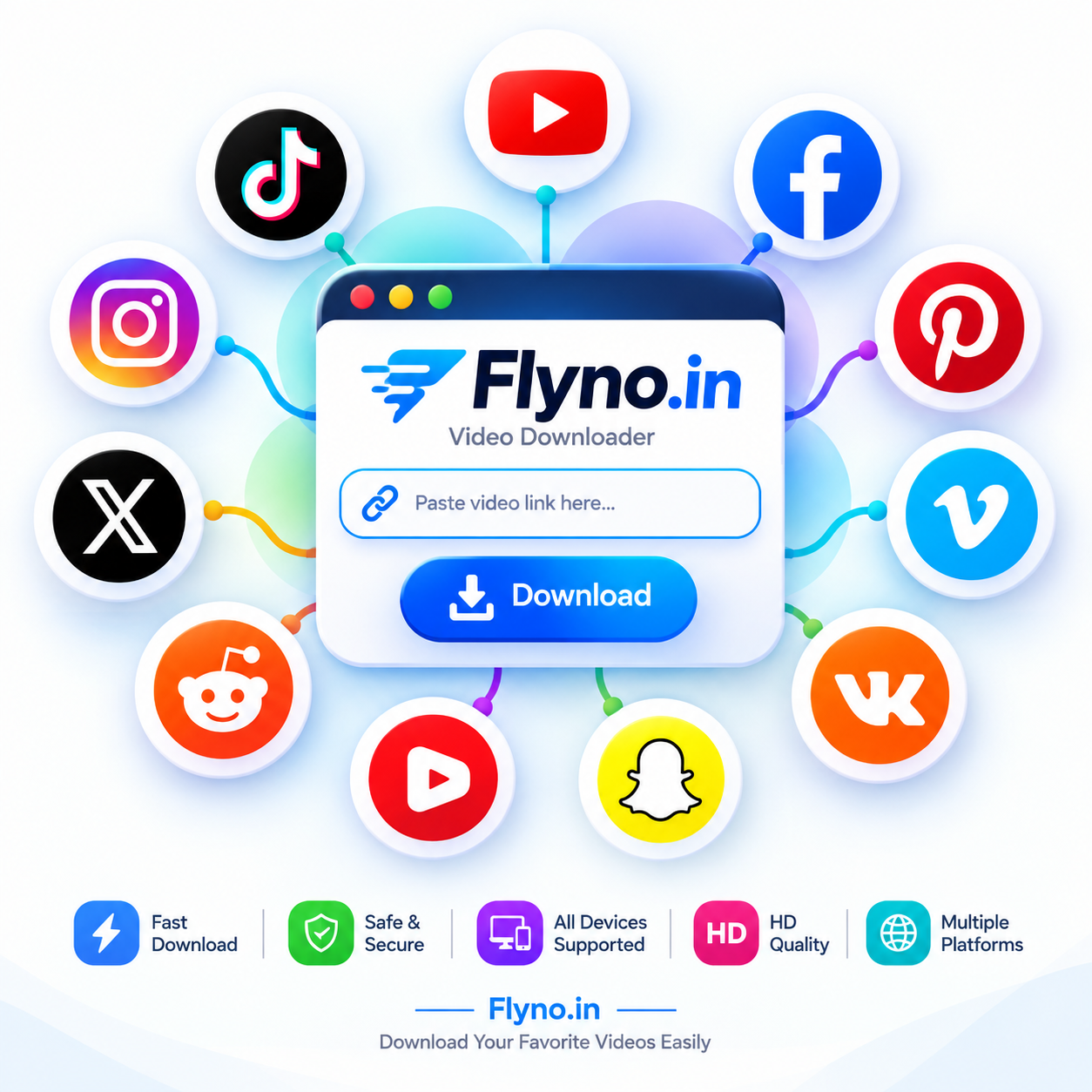 Flyno – One place to explore supported online video downloads.
What Is an Online Video Downloader?
An online video downloader is a web-based tool that helps users access downloadable media from supported online sources. Instead of installing separate software for different websites, users can use a browser-based service through a single interface.
A typical video downloader works by analyzing a supported link and checking whether video or audio media options are available. Users can then select an available format or quality, depending on the source platform and the media itself.
For example, someone looking for a YouTube video downloader may want an MP4 video, while another user may prefer an audio format for a supported music or video source.
Flyno brings this experience together in one place, helping users work with supported links through a straightforward interface.
How to Download Videos Online with Flyno
Using Flyno is simple. You do not need to install a separate downloader application to use its browser-based interface.
- Copy the video link: Open the supported website or app and copy the URL of the video you want to access.
- Visit Flyno: Open Flyno Online Video Downloader in your browser.
- Paste the URL: Insert the copied link into the downloader input box.
- Process the link: Start the process and allow Flyno to check the available media options.
- Choose your option: Select an available video or audio format and quality.
- Download: Follow the available download option to save the media to your device, where permitted.
Availability can vary depending on the source website, video privacy, regional restrictions, account access and platform changes.
Download Videos in MP4, MP3, HD, Full HD, 2K, 4K and 8K
Video quality and file format are important when choosing an online video downloader. Different users have different needs: some want a smaller file for mobile viewing, while others prefer higher resolution for a larger screen.
MP4 Video Format
MP4 is one of the most widely used video formats. It offers broad compatibility with smartphones, tablets, computers and many media players. When MP4 is available for a supported source, it can be a convenient choice for everyday video playback.
MP3 and Audio Downloads
Some supported sources provide audio-only download options. These can be useful when you want audio rather than the complete video. The availability of MP3 or another audio format depends on the source and the media options returned by the platform.
HD and Full HD Video
HD and Full HD options can provide a clearer viewing experience than lower-resolution versions. The actual available quality depends on the original uploaded video and the source platform.
2K, 4K and 8K Video
Higher-resolution formats such as 2K, 4K and 8K may be available for certain videos. However, not every video is uploaded in these resolutions. Flyno can only offer the media options that are accessible from the supported source.
Important: Video resolution, file size, audio availability and format options are not guaranteed for every link. Always check the available options before downloading.
Benefits of Using an Online Video Downloader
1. No Separate Software Installation
A browser-based downloader can be accessed directly through a compatible web browser. This means you do not need to install a dedicated downloader application just to use the website.
2. Convenient Access from One Place
Instead of switching between multiple tools, an all-in-one downloader provides a single interface for supported sources.
3. Multiple Media Options
Depending on the source, users may find different video qualities, formats or audio-only options.
4. Mobile-Friendly Access
A responsive online tool can be convenient for users on Android phones, iPhones, tablets, laptops and desktop computers.
5. Simple Link-Based Process
The basic process is straightforward: copy a supported URL, paste it into the downloader, check the available media and select an option.
Download Videos from Multiple Supported Platforms
Flyno is designed as an all-in-one online video downloader for multiple supported sources. You can explore the individual downloader pages below to learn more about the available options for each platform.
YouTube Video Downloader
Looking for a YouTube Video Downloader? Visit the dedicated Flyno page to check available options for supported YouTube links. Video quality and format availability depend on the source.
Instagram Video Downloader
Want to access a supported Instagram video or Reel? Use the Instagram downloader page to check whether media options are available for the link. Private or restricted content may not be accessible.
Try Instagram Video Downloader
Facebook Video Downloader
The Facebook downloader page helps you check available media options for supported Facebook video links. Availability may depend on the video's privacy and access settings.
TikTok Video Downloader
Explore Flyno's TikTok downloader for supported TikTok video links. Available media options can vary depending on the original content and platform restrictions.
X (Twitter) Video Downloader
Need to access a video shared on X, formerly known as Twitter? Visit the dedicated X downloader page and check the available options for supported public links.
Dailymotion Video Downloader
Flyno also provides a dedicated page for supported Dailymotion links. Check the available video options before selecting a download format.
Try Dailymotion Video Downloader
Pinterest Video Downloader
Explore the Pinterest downloader page for supported Pinterest media links. Availability can vary depending on the pin and its source.
Reddit Video Downloader
Reddit posts can contain different types of media. Use the Reddit downloader page to check available options for supported video links.
SoundCloud Downloader
For supported SoundCloud links, visit the dedicated page to check whether audio download options are available. Respect the rights of artists and creators.
Vimeo Video Downloader
Explore the Vimeo downloader page for supported video links. Some videos may have privacy, playback or download restrictions.
These are some of the platform-specific pages available on Flyno. Visit the Flyno homepage to explore additional supported sources.
Online Video Downloader for Android, iPhone, PC and Desktop
One of the advantages of a browser-based video downloader is that it can be accessed from different devices without requiring a dedicated desktop application.
Android Video Downloader
Android users can open Flyno in a compatible mobile browser, paste a supported link and check the available media options. The final download experience may depend on the browser and device settings.
iPhone and iPad
iPhone and iPad users can access Flyno through a compatible browser. File handling and download locations may differ depending on the browser and iOS version.
PC and Laptop
Desktop users can use Flyno through a modern browser. A larger screen can make it easier to review available media options before choosing a format.
How to Choose the Right Video Quality
The best video quality depends on your device, available storage, internet connection and intended use.
- 360p or 480p: May be suitable when smaller file sizes are important.
- 720p HD: A practical balance between clarity and file size.
- 1080p Full HD: Useful for sharper playback on many modern screens.
- 2K and 4K: Higher-resolution choices when supported by the original video.
- 8K: An ultra-high-resolution option when the source provides it.
Higher resolution usually requires more storage and may result in larger files. Selecting the highest available quality is not always necessary for everyday viewing.
Safety Tips for Using an Online Video Downloader
When using any online downloader, safe browsing and responsible use should always come first.
- Use trusted websites and check the website address before entering links.
- Avoid suspicious advertisements, pop-ups and unknown download buttons.
- Do not install unexpected browser extensions or software.
- Keep your browser and device security updates current.
- Do not share private or sensitive links with services unless you understand the privacy implications.
- Respect copyright, content ownership and the terms of the source platform.
Respect Copyright and Content Creators
Always make sure you have the necessary rights or permission before downloading or reusing content. Download your own videos, content you are authorized to access, or media that is expressly permitted for downloading. Personal offline viewing does not automatically grant permission to copy or redistribute copyrighted material.
Users are responsible for complying with applicable laws and the terms of the original platform.
Why Choose Flyno Online Video Downloader?
Flyno aims to make supported online media access straightforward through one browser-based platform. Its simple link-based workflow helps users check available media options without having to navigate several different downloader websites.
- One platform: Explore multiple supported sources from one place.
- Easy interface: Paste a link and check the available options.
- Browser-based: Access the website through a compatible browser.
- Multiple formats: Choose from available video or audio options.
- Flexible quality: Select from the resolutions provided by the source.
- Device-friendly: Use the website on supported mobile and desktop browsers.
Flyno focuses on convenience and accessibility. Actual results depend on the source platform, link type, content permissions and technical availability.
Start using Flyno Online Video Downloader
Frequently Asked Questions About Online Video Downloaders
1. What is the best online video downloader?
The best online video downloader is one that is easy to use, works with your device and clearly displays available media options. Flyno provides a browser-based interface for checking supported links from multiple sources.
2. Is Flyno a free online video downloader?
You can visit Flyno and check the available features and options on the website. Any limits or availability may depend on the service and source platform.
3. Can I download YouTube videos in MP4?
Available formats depend on the specific video and source access. Visit the YouTube Video Downloader page to check the options available for a supported link. Always follow YouTube's terms and applicable copyright rules.
4. Can I download Instagram Reels?
Flyno can check supported Instagram links, including eligible public media. Private, restricted or otherwise inaccessible content may not be available. Visit the Instagram Video Downloader page.
5. Does Flyno support MP3 downloads?
Audio-only options may be available for certain supported sources. The available format depends on the original media and source platform.
6. Can I download videos in 4K or 8K?
Some source videos may provide high-resolution options such as 4K or 8K. These resolutions are not available for every video. Flyno can only show options that are accessible from the source.
7. Does Flyno work on mobile phones?
Flyno is browser-based and can be accessed from compatible mobile browsers. The download process and file location may vary depending on your device and browser.
8. Do I need to install an application?
No separate downloader application is required to access the Flyno website. You can use its browser-based interface through a compatible web browser.
9. Why is a video link not working?
A link may fail because the content is private, deleted, region-restricted, age-restricted or unavailable to the service. Platform updates and technical restrictions can also affect access. Try checking the original link and its permissions.
10. Is it legal to download videos online?
It depends on the content, your permission, the source platform's terms and applicable laws. Only download content you own or are authorized to download. Do not redistribute copyrighted content without permission.
Explore More from Flyno
Want to learn more about all-in-one video downloading? Read our related guide:
- All in One Video Downloader – Learn More About Flyno
- Visit Flyno Online Video Downloader
- Contact Flyno Support
Conclusion: Try Flyno Online Video Downloader
Finding a convenient way to access supported online media does not have to be complicated. An online video downloader brings a simple link-based process to users who want to check available video and audio options from different sources.
Flyno brings multiple supported platforms together through one browser-based interface. Whether you are exploring a YouTube video downloader, Instagram downloader, Facebook video downloader, TikTok downloader or another supported source, Flyno gives you one place to start.
Available formats and resolutions depend on the original content and source platform. Use online download tools responsibly, respect creators' rights and always follow the applicable platform rules.
One Link. Multiple Possibilities.